
CADA
GROUP LIMITED
Coordinated support for cross-border spare parts delivery, from remote technical review to industrial packing and dispatch coordination.
Fault symptoms, site photos and component features can be reviewed to support parts-related judgement.
Supply paths are coordinated around operating conditions, budget pressure, urgency and destination.
Packing, labels and protection are arranged according to item type, material and transport risk.
Dispatch method is matched with destination, cargo condition, timing and transport route.
A practical execution chain for requirement intake, option alignment, packing arrangement and shipment follow-up.
Sort equipment platform, target component, quantity, destination and timing requirement.
Confirm workable parts options according to component details, operating condition and supply status.
Plan protection, labeling and packing method according to material, size, weight and transport risk.
Share key shipment nodes according to transport method for customer receiving preparation.
Packing protection, labeling and dispatch options are organized around item material, size, weight and transport risk to reduce long-distance transit damage.
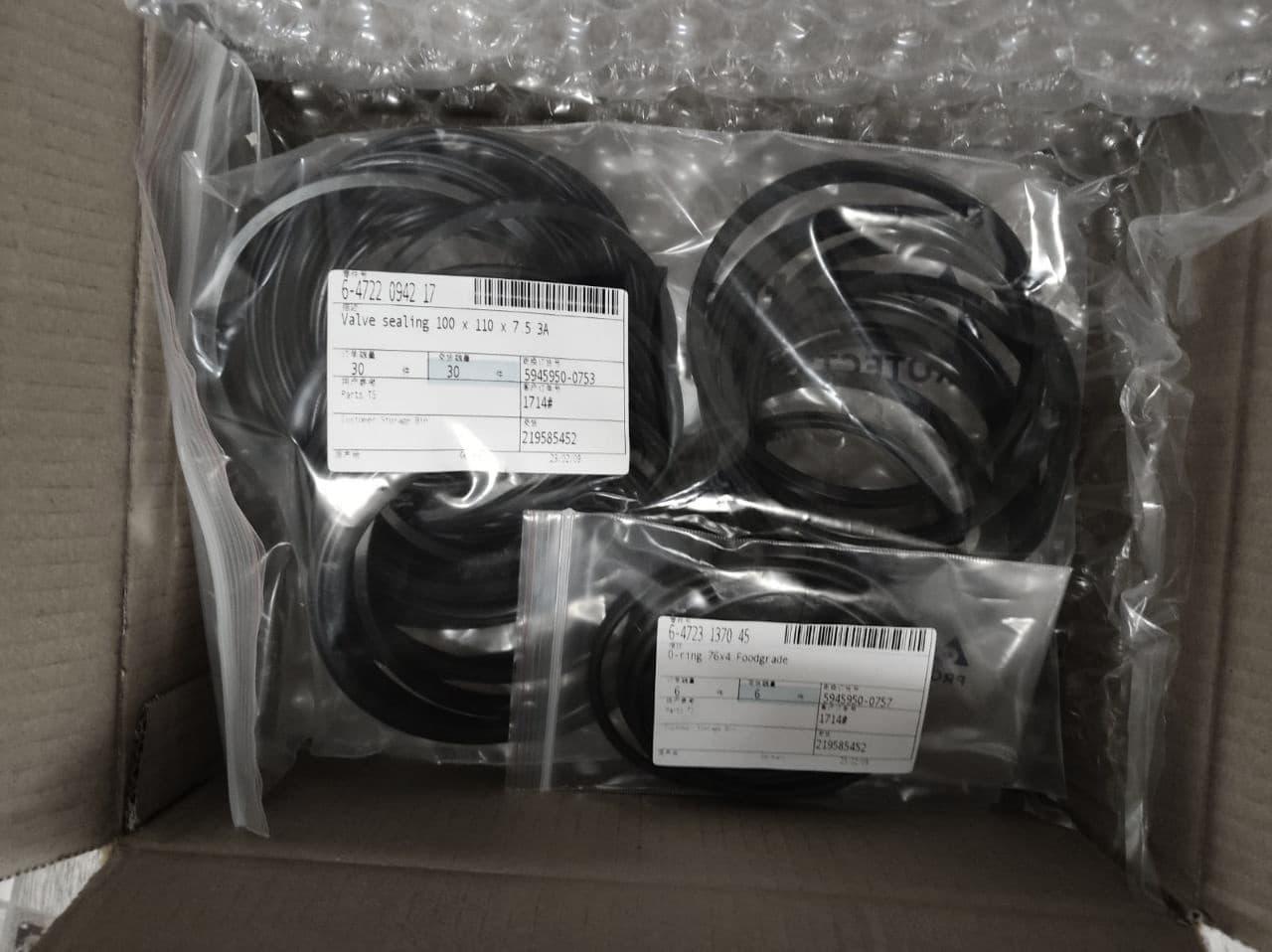
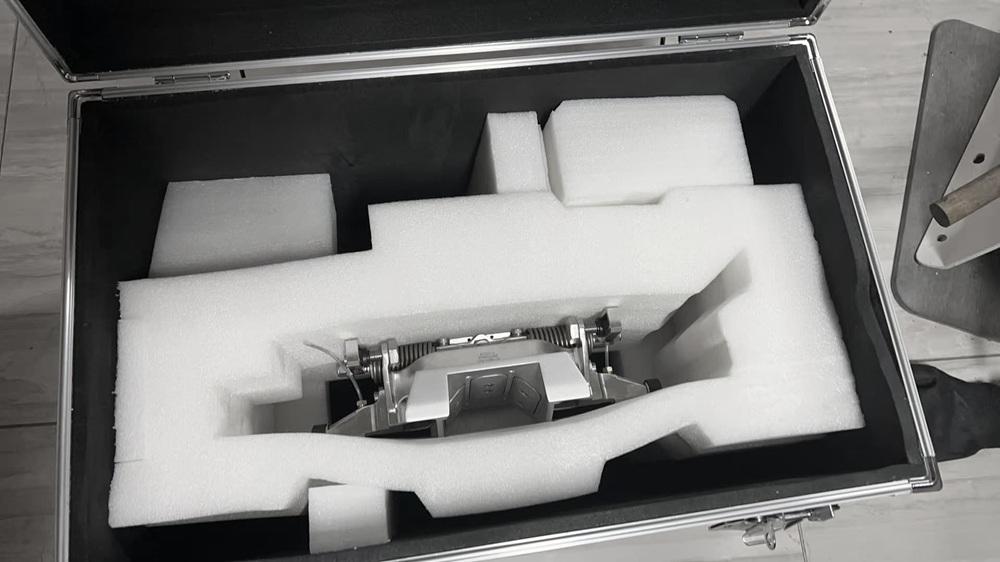
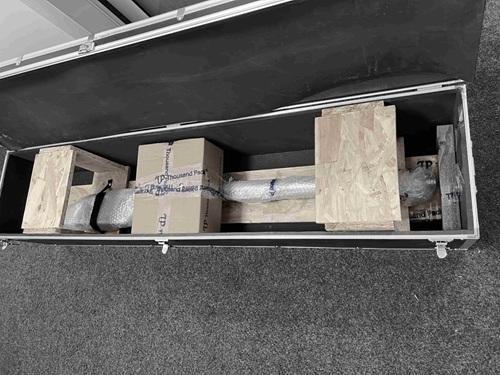
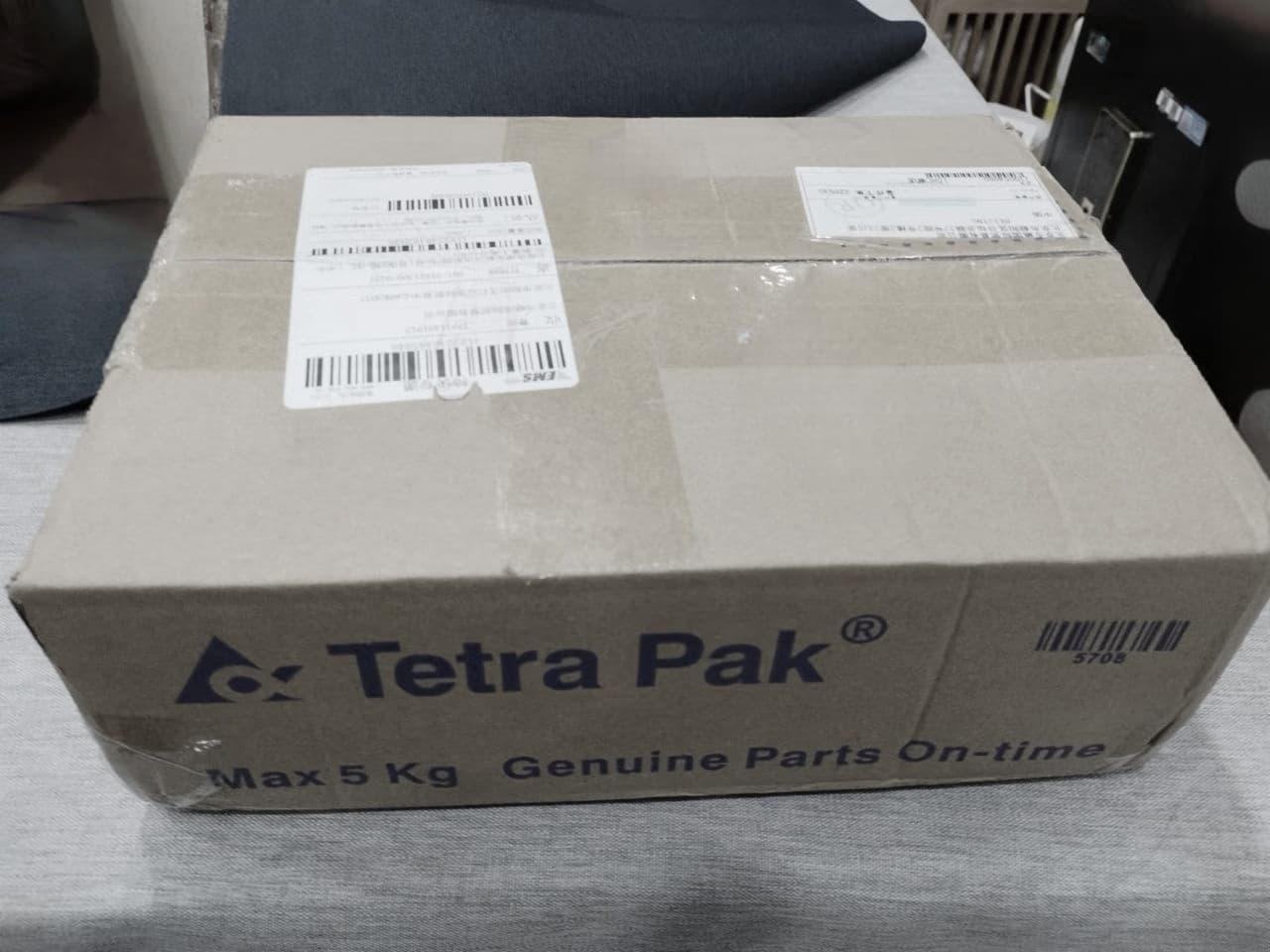
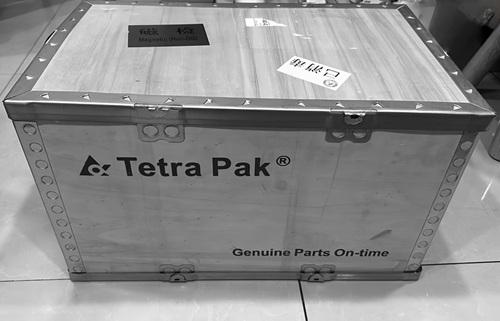
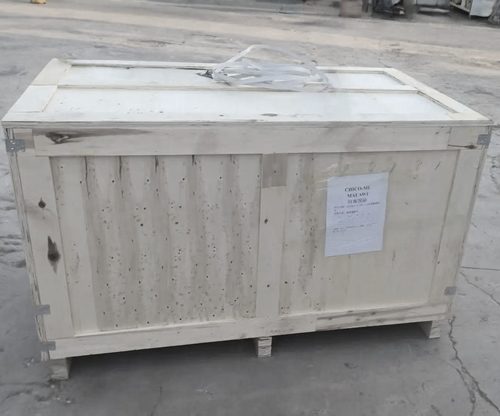
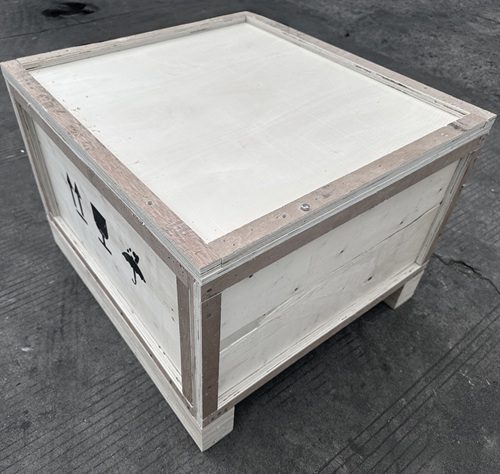
We coordinate spare parts supply, protective packing, route planning and delivery support around local maintenance schedules, transport conditions and purchasing habits.
GET SUPPORT ADVICE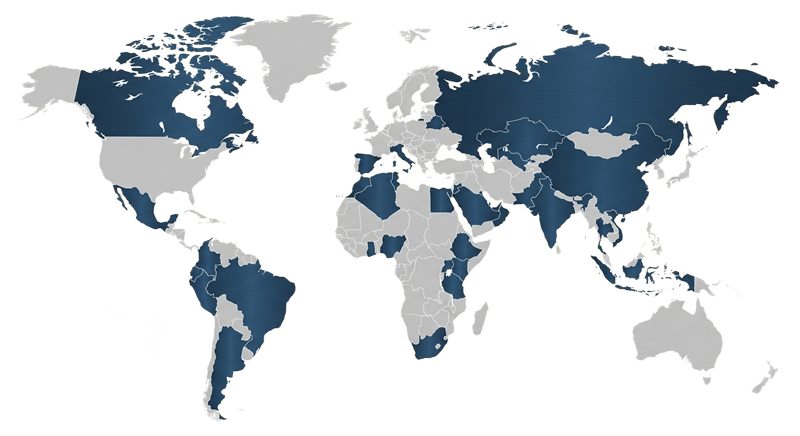
Download a compact reference file for Tetra Pak aseptic filling line spare parts inquiries, including supported platforms, common component categories and useful request information.